Email Screenshot Generator
Compose a message, choose a layout and download a PNG or JPG mockup. You can also import an email as a starting point.
Header fields: 4000 characters each. Files and encoded EML up to 25 MB.
Preview
Email mockupEnter a message or open a file, then update the preview.
Downloads include a visible mockup label. Original email files stay unchanged.
How to create an email screenshot
Enter a sender, recipients, subject, date and plain-text body. Update the preview, choose Classic or Compact and save an image. Every download is labeled as a composed demonstration; it does not show proof that a message was sent or received.
- Enter your message or import an EML or MSG.
- Update the preview and choose a message layout.
- Download PNG, JPG or another readable format.
Mockups and original email images
This tool uses neutral message layouts rather than copying Gmail or Outlook branding. It is suitable for documentation, support examples, training and interface mockups. Imported HTML is reduced to text for this editable composition; attachments are not part of the screenshot.
To capture the sanitized formatted body of an existing EML without composing a mockup, use EML to image. Long screenshots follow the same configured image-export limits. PDF is image-based; HTML retains selectable text.
Make a screenshot for a guide or presentation
Start with the fictional sample and replace its subject and body with your demonstration text. Choose the classic or compact layout, update the preview and export PNG for a slide or help article. Check the downloaded image at its intended display size so small text stays readable.
The visible mockup label stays in the export. Use invented names and addresses for public examples. The image illustrates a message; its displayed sender and date do not prove that an email was sent or received.
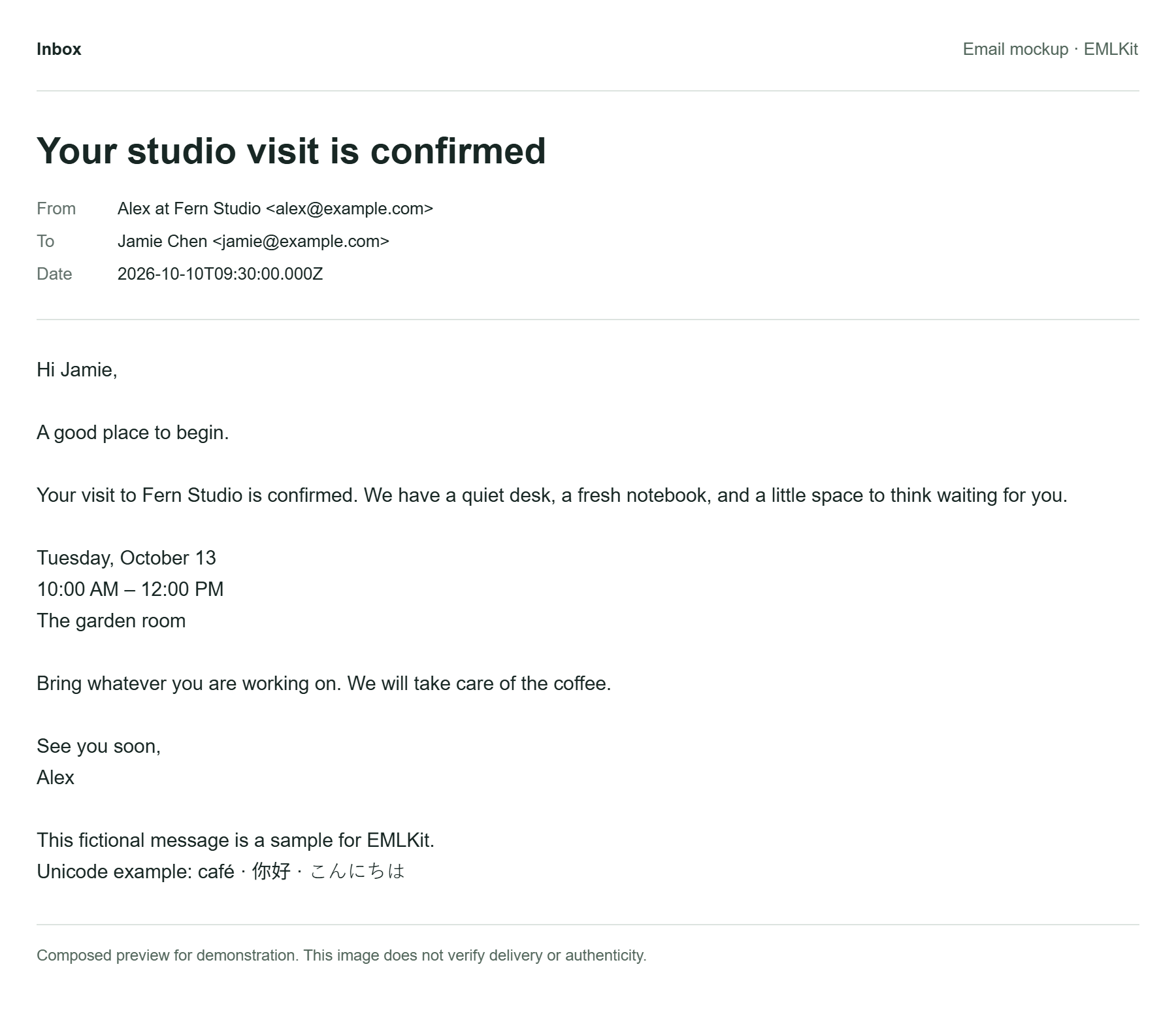
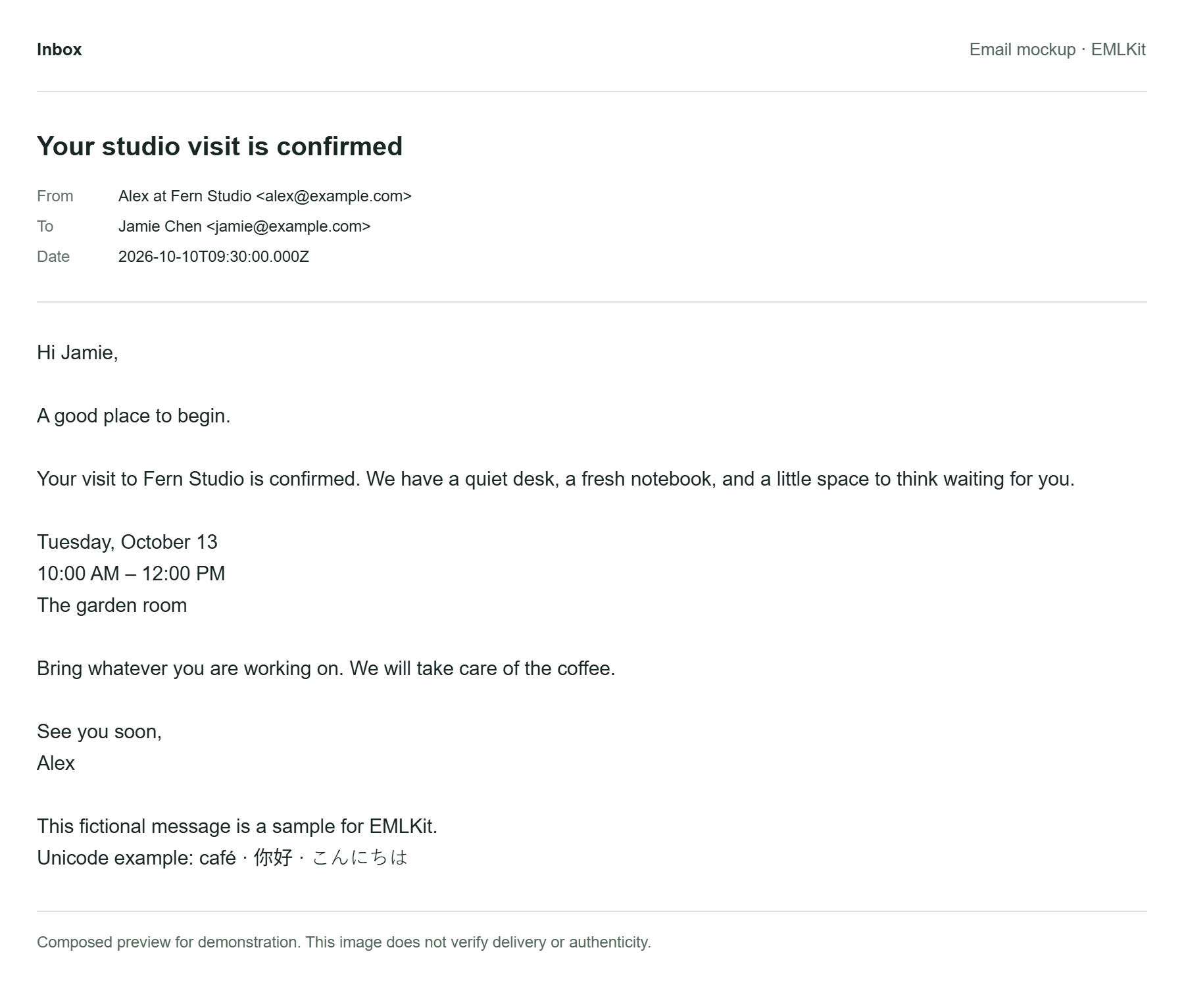
Choose the right output for the message
PNG keeps a crisp screenshot; JPG uses lossy compression. PDF puts the rendered message on pages, while HTML keeps selectable text. This tool rebuilds a text-based demonstration layout, so an imported newsletter will not retain its original design.
For the formatted body of a saved email, use EML to image instead. If a long message exceeds image-export limits, shorten the demonstration or choose HTML. Changing the site to dark mode does not turn the exported email into a dark email-client screenshot.
Email screenshot questions
Can I generate a Gmail or Outlook interface?
The available layouts are generic email views. They do not claim to be screenshots of Gmail, Outlook or a live inbox.
Can I remove the mockup label?
Downloads from this composition tool keep the demonstration label. Use the separate EML to image tool to export an existing message preview.
Does my data leave my device?
Your selected files and pasted text are processed in your browser, without being uploaded to EMLKit. Remove the input or leave the page to clear the current workspace. Ordinary page requests still reach the site host. Read about file handling.